
Just for your convenience
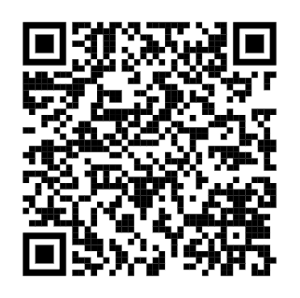
.. to easily import into your phone, should you need them.
The source of the information comes from the Malta Department of Information.
Malta Services contact list
| Service | Phone number | VCARD – Scan to import the contacts to your phone. |
| Malta Emergency services (all of EU) | 112 | This can not be imported as it is a protected number, already on your phone. |
|
Malta Telemedicine Helpline The free telemedicine helpline service, accessible by dialling 1400, is available to people aged between 16 – 69. It is intended to ease pressure on emergency services by guiding patients to the most appropriate level of care based on their symptoms. The helpline is meant to be used directly by patients. It targets those who are unsure whether their condition constitutes an emergency. Patients deemed not to require emergency treatment at Mater Dei will be directed to private hospitals such as Da Vinci, St Thomas or St James’ or to local health centres. |
1400 |  |
|
Malta Doctor online A doctor will ask relevant medical questions and decide whether a home visit from the nearest Health Centre is needed. |
2122 2444 |  |
|
Malta Support line Free 24/7 support line for social, emotional, and crisis situations is 179. |
179 |
|
|
Malta National Mental Health helpline The 1579 Mental Health Helpline is a 24hr national telephone helpline, providing immediate and free emotional support, advice and practical guidance for anyone in need. |
1579 |  |
|
Malta National support line for victims of crime The 116006 number is the National Support Line for victims of crime in Malta, operated by the Victim Support Agency (VSA). It provides free, confidential assistance including emotional support, legal guidance, and court case updates from 7:30 am to 7:30 pm, Monday to Sunday, including public holidays. |
116 006 |  |
|
Malta national poisons centre The Malta National Poisons Centre, reachable by dialing 1774, provides immediate, expert advice for toxic exposures and overdoses. The helpline operates daily from 08:00 to 20:00, including weekends and public holidays. For emergencies outside these hours, visit a local health centre or the Emergency Department at Mater Dei or Gozo General Hospital. |
1774 |  |
|
Malta Servizz.gov Malta general information about government services
|
153 | 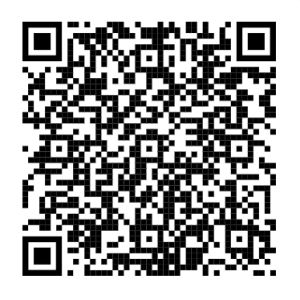 |
| Malta DIER for Employees (Department for Industrial and Employment relations) |
1575 | 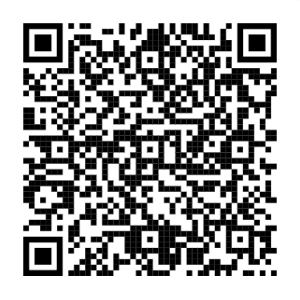 |
| Malta DIER for Employers (Department for Industrial and Employment relations) |
1576 | 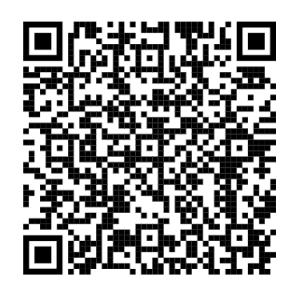 |
|
Malta LESA – Collissions If you are in a road collission. |
2132 0202 | 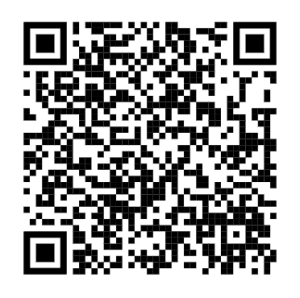 |
 I could not have said this any better myself, as to why there is a silent shift happening.